




Get answers, not the
runaround.
Search setup guides, firmware fixes, and support resources by entering keywords below.
IP Camera Reset
Initial Device Set-Up
1. Connect camera and laptop to the same switch
2. Open the Viper camera config tool.

You will see any device picked up by the software:
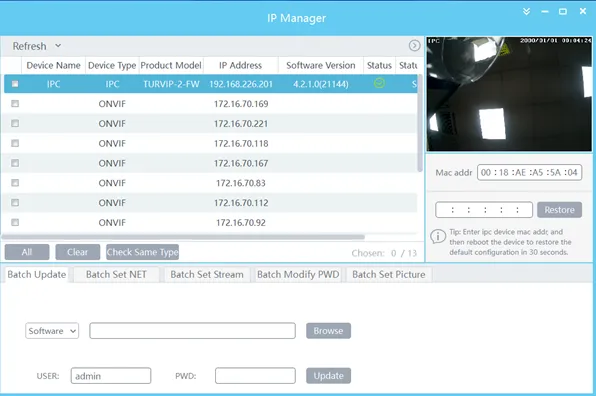
3. Select the camera (which will show preview and Mac address on the right). Re-enter the Mac in the box underneath and click restore.
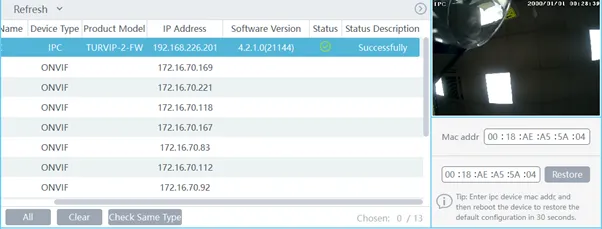
4. Click “OK” on the prompt
Device is now reset