




Get answers, not
runaround.
Search setup guides, firmware fixes, and support resources by entering keywords below.
Doorbell & Intercom Firmware
Model | Firmware Download | Notes |
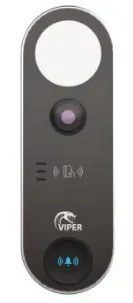
VIP-DOORBELL-2MP | Mandatory intermediate firmware v5.1.1.0.65316 (05-11-2025): Click here to download
v5.1.1.0.65939 (06-01-2026): Click here to download | Mandatory intermediate firmware v5.1.1.0.65316 (05-11-2025) must be installed before upgrading to any later versions. Do not skip this version. |
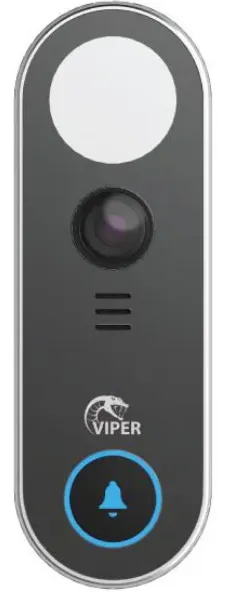
| VIP-DOORBELL-4MP | v5.1.2.0.66641 (28-04-2026): Click here to download |
|
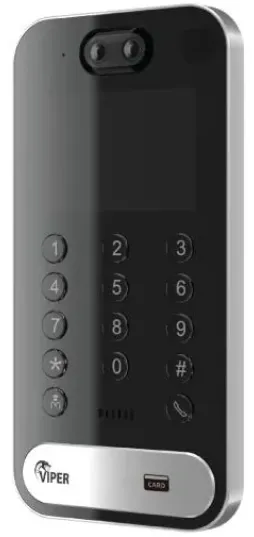
| VIP-INTERCOM-DOOR | v5.1.1.0.66082 (23-01-2026): Click here to download |
|
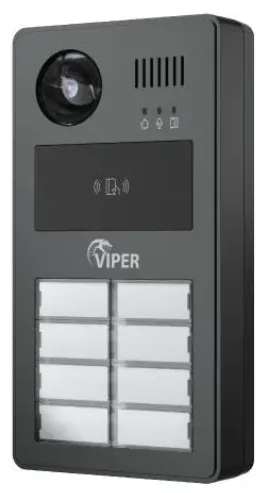
| VIP-INTERCOM-BT8 | v5.1.2.0.65762 (18-12-2025): Click here to download |
|
| VIP-INTERCOM-INDOOR | v1.4.6_64956 (29-09-2025): Click here to download |
|
How to upgrade: Doorbell/Outdoor Station
1 - Enter the doorbell/door station IP address into a web browser URL search bar. If you do not know the IP address, use the Viper IP manager tool to find it.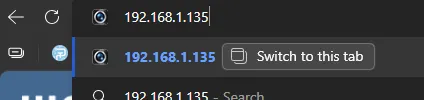
2 - Login to the device and click "Config", located on the top right.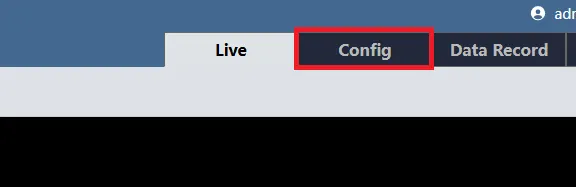
3 - On the config panel locate "Maintenance" and click "Upgrade".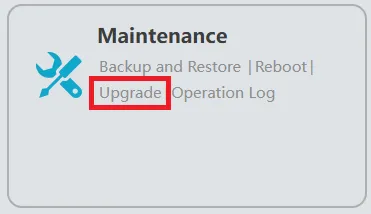
4 - Select "Choose File", select the firmware upgrade file then click "Upgrade". The firmware upgrade will start. 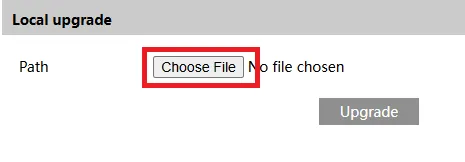
How to upgrade: Indoor station (Touchscreen Video handset)
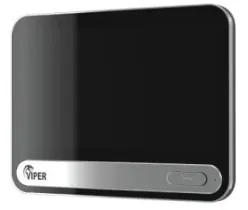
1 - Enter the screens IP address into a web browser URL search bar. If you do not know the IP address, use the Viper IP manager tool to find it.
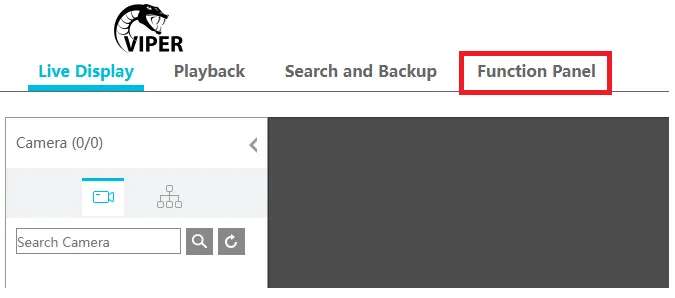
2 - Login to the device and click "Function Panel", located on the top left.
3 - On the function panel locate and click "System".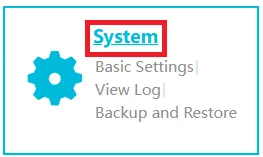
4 - On the left hand side, under "Maintenance", click "Upgrade".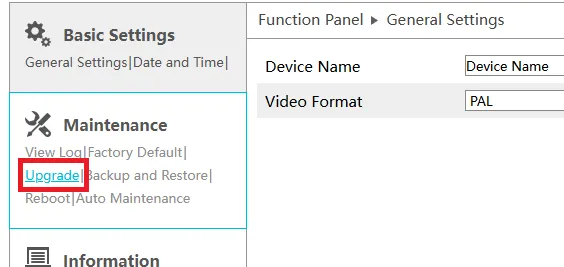
5 - Click "browse", select the firmware upgrade file then click "Upgrade". The firmware upgrade will start. 
Need Additional Help?
Our dedicated support desk is available to assist you 24/7.
Popular Articles
Frequently viewed documentation and technical guides.