




Get answers, not
runaround.
Search setup guides, firmware fixes, and support resources by entering keywords below.
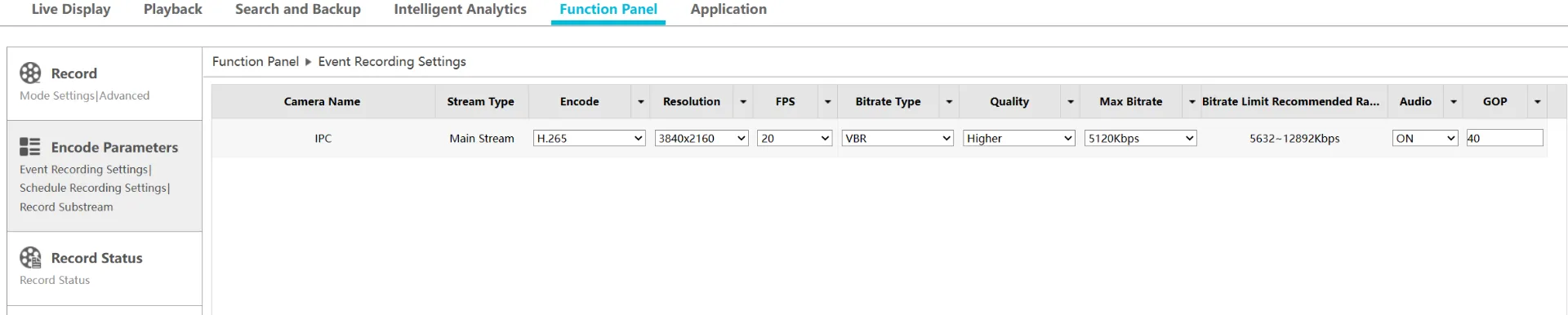
Adjust NVR bandwidth
When adding multiple IP cameras to NVR and the bandwidth is exceeded (preventing you from adding more)
1. Login to NVR, select Settings > Recording, Schedule Recording & Event Recording, both bitrate need to be lowered. (lower to 2048Kbps on each camera).
Need Additional Help?
Our dedicated support desk is available to assist you 24/7.
Popular Articles
Frequently viewed documentation and technical guides.